
KindleWood Studio

Online Products

Create stories in Studio. Read and share them in Kids.

Dragon writing with a quill

KindleWood Studio

Web

Turn any idea into a storybook children can read, hear, and share.

What you can make

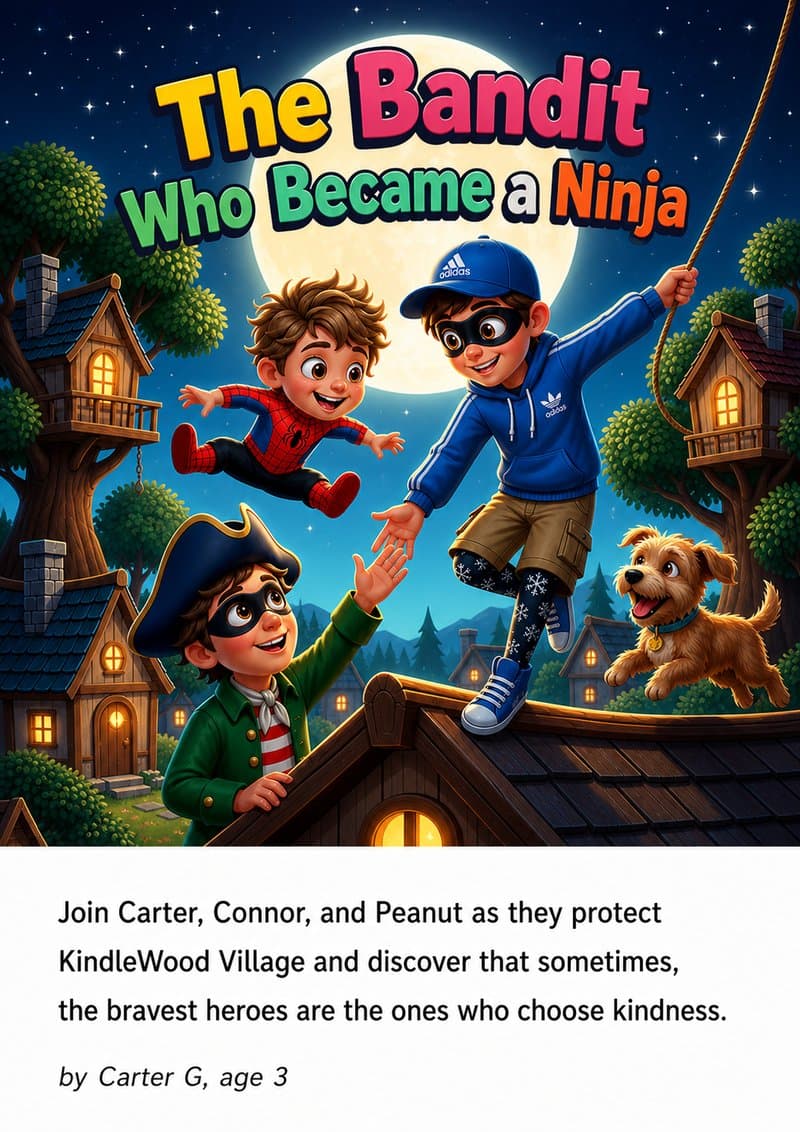
Picture Books
Picture Books
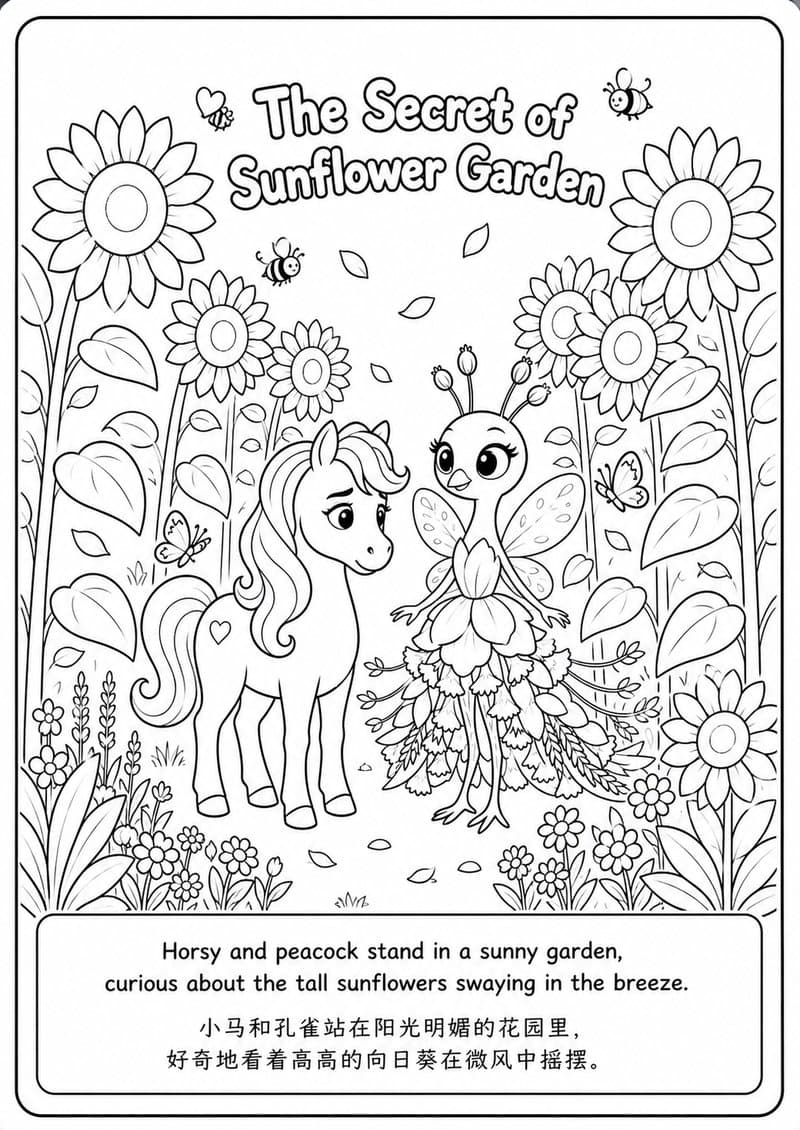
Coloring Books
Coloring Books
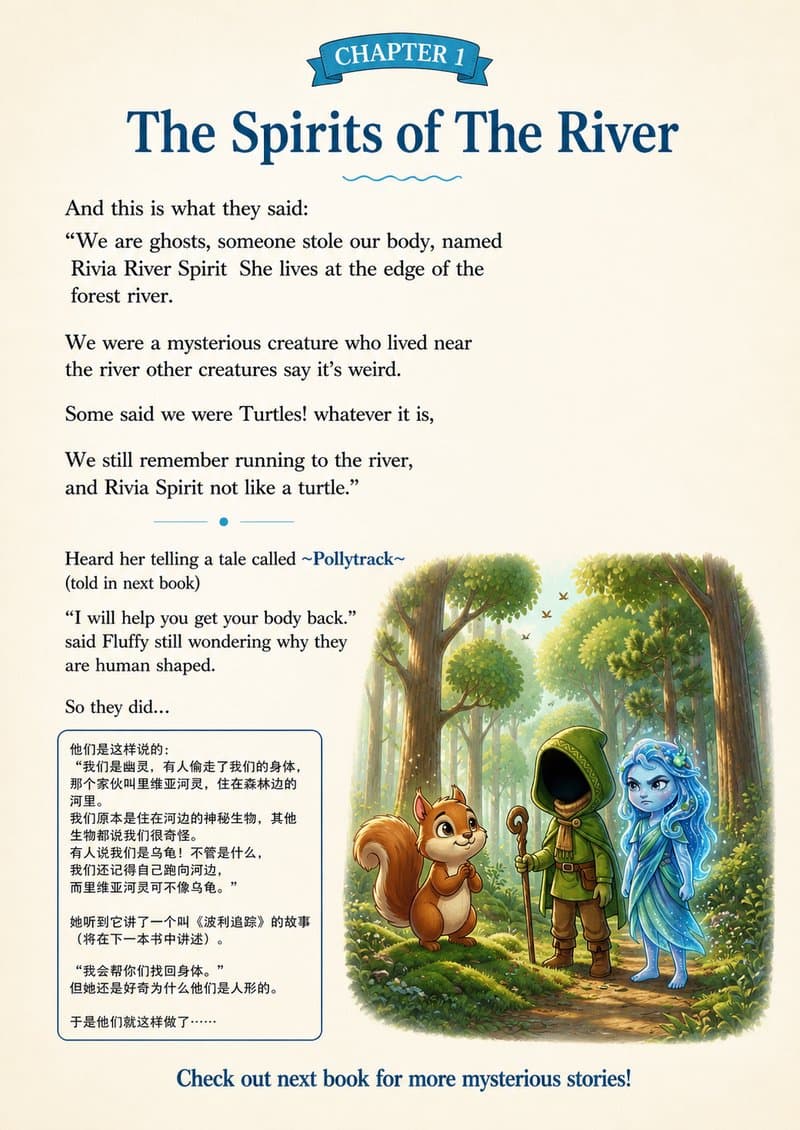
Chapter Books
Chapter Books
Photo Storybooks
Photo Storybooks

How it comes together

A creative loop that keeps your child in the driver’s seat.

1

Spark from anything

Start with a drawing, photo, single sentence, or full piece of writing.

2

Kids are the storytellers

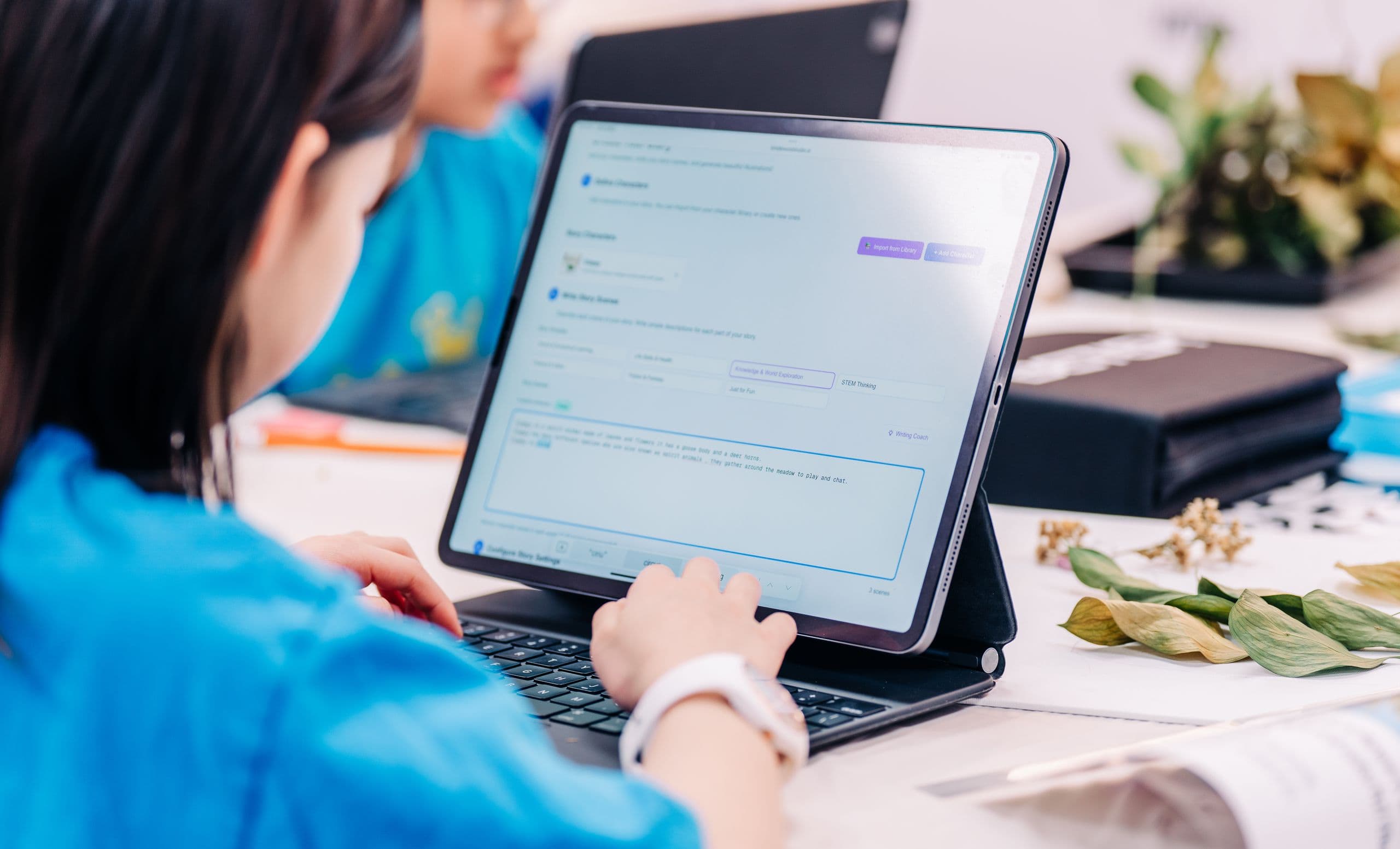
Story templates and a writing coach guide the process while your child remains the author.

3

Bring it to life

Use AI narration in three languages, or record a parent, teacher, or child for a personal keepsake.

4

Share it with the world

Read in the Kids app, export a print-ready PDF, or publish as a Spotify podcast.

Bilingual: English primary · 中文 / 한국어 secondaryStart Creating
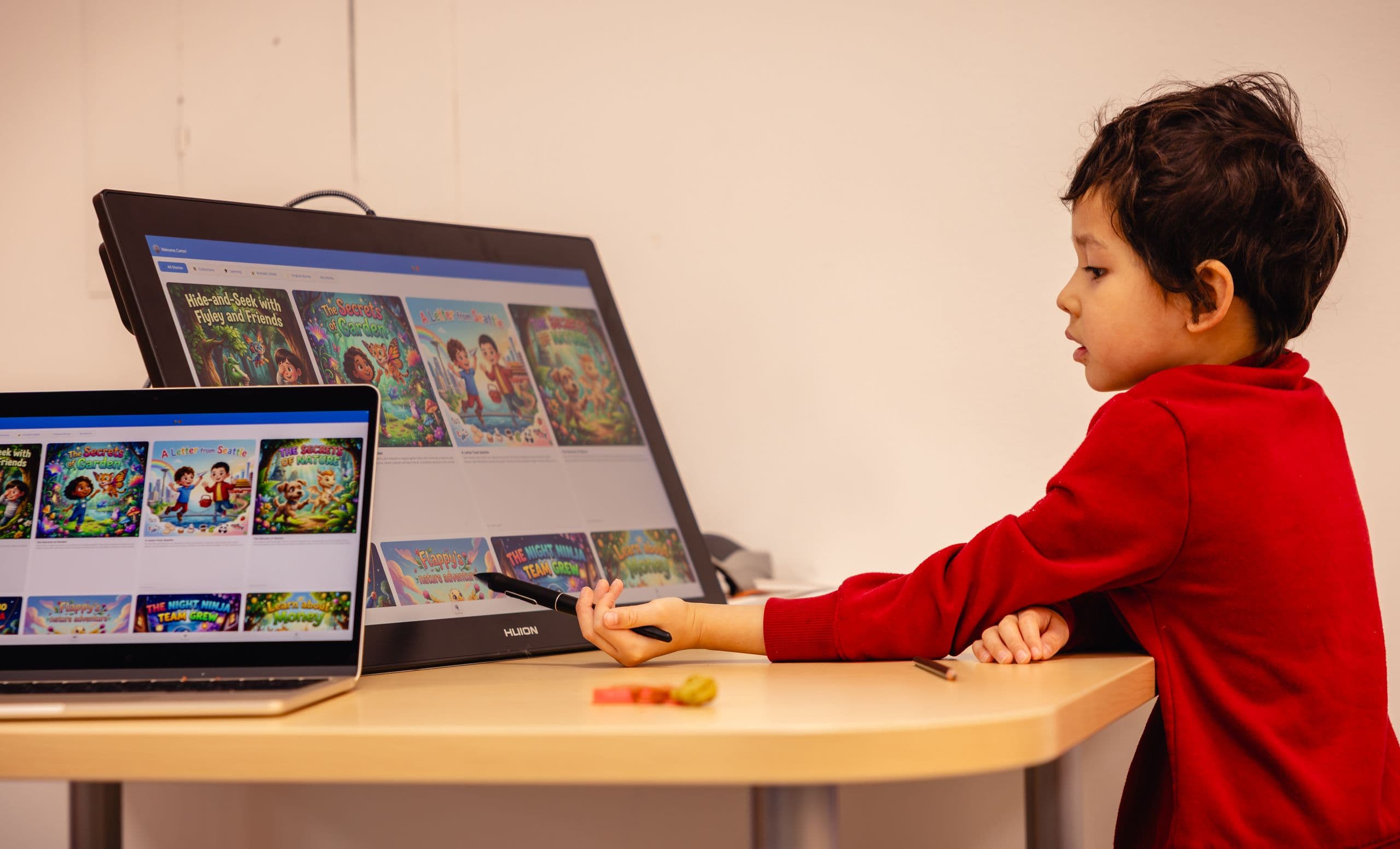
Share to KidsInspire the next story
Dragon reading a book

KindleWood Kids

MobileAges 3 to 12

A safe, ad-free app for personal libraries, community stories, and learning activities.

Why kids love it

Interactive Reading

Tap any word for pronunciation in English, 中文, or 한국어.

Vocabulary Building

Auto-built word lists from the stories your child reads.

Fun Quizzes

AI questions that adapt to your child’s reading level.

Word Learning Games

Playful drills that lock in new vocabulary.

Goals & Progress

Set goals together, earn badges, celebrate milestones.

Multiple Profiles

A separate profile and library for every child.

100% Safe · 100% Free for kids

Download the Kids app

Community Stories & Little Artists

See what other kids are creating and let it inspire your own.

We Also Offer In-Person Learning

Hands-on creative workshops at partner schools and the KindleWood Learning Lab. Kids create, collaborate, and learn beyond the screen.

View Workshops & Events